Eventlink® announces partnership with the Illinois Elementary School Association
March 31, 2026
6 Benefits of Accepting Credit Card Payments at High School Athletic Events
September 21, 2026
Game day should start with excitement, not a line stretching halfway across the parking lot.
When hundreds of fans arrive within the same 20 or 30-minute window, even a small slowdown at the gate can quickly turn into a long wait. Fans are searching for tickets, staff are answering questions, people are trying to purchase tickets, and everyone wants to get inside before kickoff.
The good news is that a few simple changes can make a big difference.
By encouraging fans to purchase tickets in advance through an athletic events management software, clearly organizing your entrance, and helping your community keep tickets easily accessible, your athletic department can move more people through the gate without adding more stress on your game-day staff.
Here are a few ways to speed up entry at your next high school athletic event.
Speed up entry at high school athletic events by encouraging advance ticket purchases, splitting your entrance into separate lines for pre-purchased and walk-up fans, and giving your community easy digital access to tickets. With the right prep like clear communication, organized lines, and a game-day staff plan, schools can move fans through the gate faster and cut down on frustration before kickoff.
- Sell tickets in advance
- Separate entry lines
- Use the Eventlink® app
- Brief staff
1. Encourage fans to purchase tickets in advance in Eventlink®’s athletic events management software
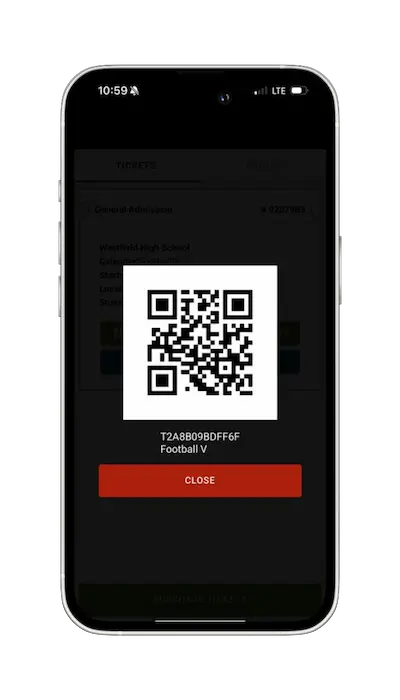
One of the easiest ways to shorten your game day lines is to reduce the number of transactions at the gate. If fans already have their tickets before they arrive, your staff can focus on scanning them rather than processing a new purchase for each person. That makes advance ticket sales an important part of your game day plan.
The key is to ensure fans know where to purchase tickets before the event. A ticket link is only helpful if your community can easily find it.
Send your ticket link before the game
With Eventlink® Messaging, schools can send messages with important event information, including a direct link to purchase tickets. So, consider sending a reminder the morning before your event, so fans have plenty of time to purchase. Your message does not need to be complicated. Let fans know when and where the game is happening and include a direct purchase link to encourage them to buy tickets in advance.
This can be especially helpful for larger events, rivalry games, tournaments, homecoming, or any night when you expect a bigger crowd than usual. The more fans who arrive with a ticket already purchased, the fewer transactions your staff needs to complete during the busiest part of the night.
Put your ticket QR code where fans can see it
Download the QR code for your ticketed event, print it out, and put it in places your community already visits.
Places you could hang ticket flyers:
- School hallways
- Main office
- Cafeteria
- Athletic facilities
- Concession stands
- Local businesses
- Community bulletin boards
- Previous home games
Fans can scan the QR code with their phones and go directly to the ticket purchase page. This is also a great way to promote tickets several days in advance. Someone may see the QR code while attending a volleyball match on Tuesday and purchase tickets for Friday night’s football game before they even leave the building.
Promote tickets on social media
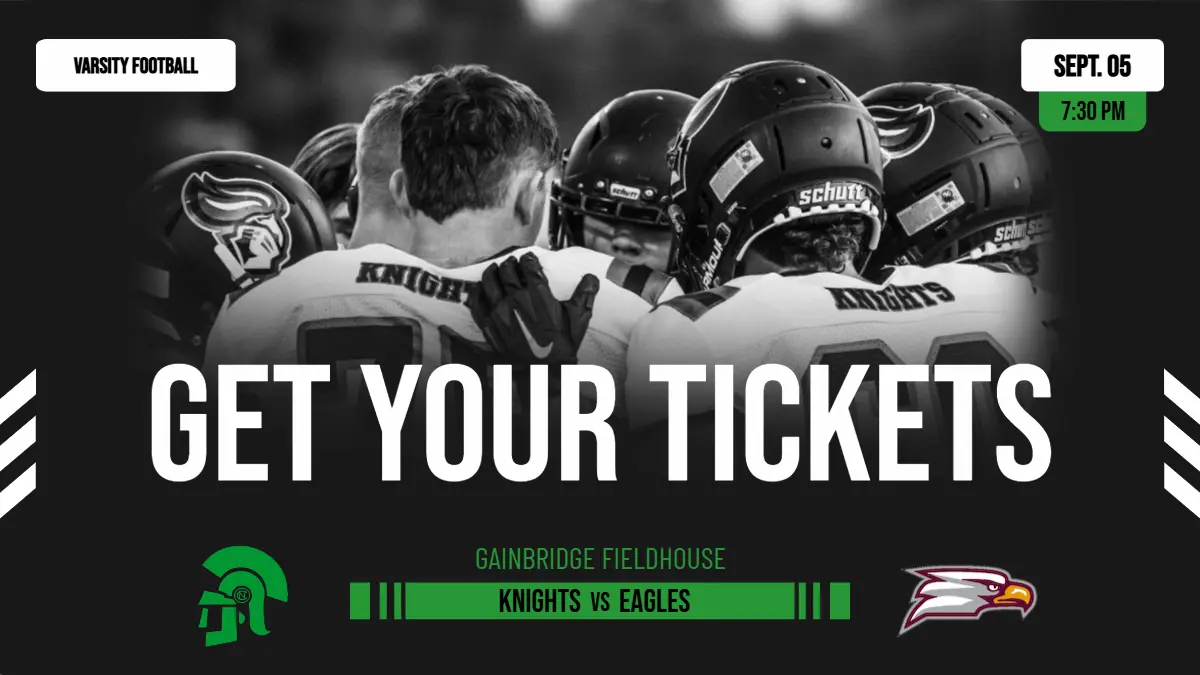
Your school’s social media channels are another great place to remind fans to purchase early. With Eventlink® Studio, you can create game-day graphics and share your ticket information alongside the event details and the ticket QR code. Post the graphics a few days before the game, then consider sharing it again on game day as a final reminder.
Social media is especially helpful because fans can see the post, click the purchase link, buy their tickets, and have everything ready before they head to the game. The goal is to make purchasing a ticket in advance easier than waiting until they get to the gate.
2. Create separate lines for different types of fans
Even with a strong advance-ticket strategy, you will still have some fans who need to purchase admission at the gate. Instead of putting everyone in one long line, separate fans by what they need to do. For example, create one line for:
Fans with pre-purchased tickets
And another for:
Fans who still need to purchase tickets
This simple change can dramatically improve the flow at your entrance. Make sure to clearly label each line, so fans know where to go.
Fans who have already purchased their tickets should not have to wait behind someone completing a transaction at the gate. Your pre-purchased ticket line can focus entirely on scanning. Ticket ready. Scan. Enter.
Meanwhile, your second line can handle purchases, payment questions, and any other issues that might require additional time.
3. Encourage fans to download the Eventlink® app
Buying a ticket in advance is helpful, but fans still need to find that ticket when they arrive. That can become another source of delays. Someone knows they purchased a ticket, but now they are searching through their email inbox. Another fan is looking through old text messages. Someone else took a screenshot but cannot remember where they saved it. Meanwhile, the line behind them keeps growing.
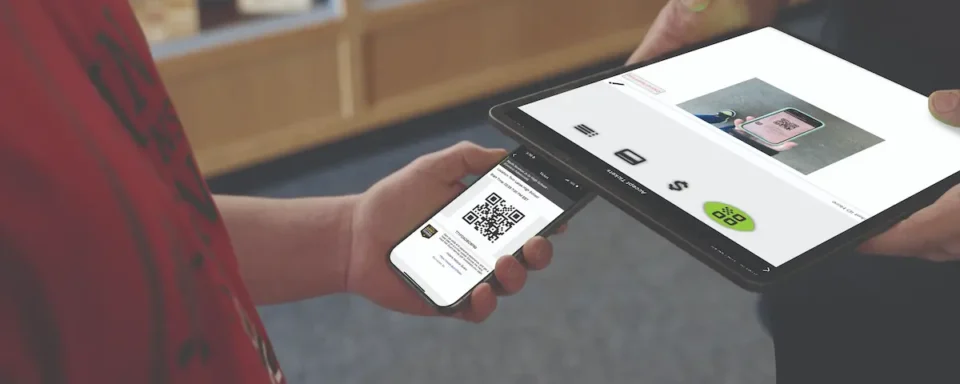
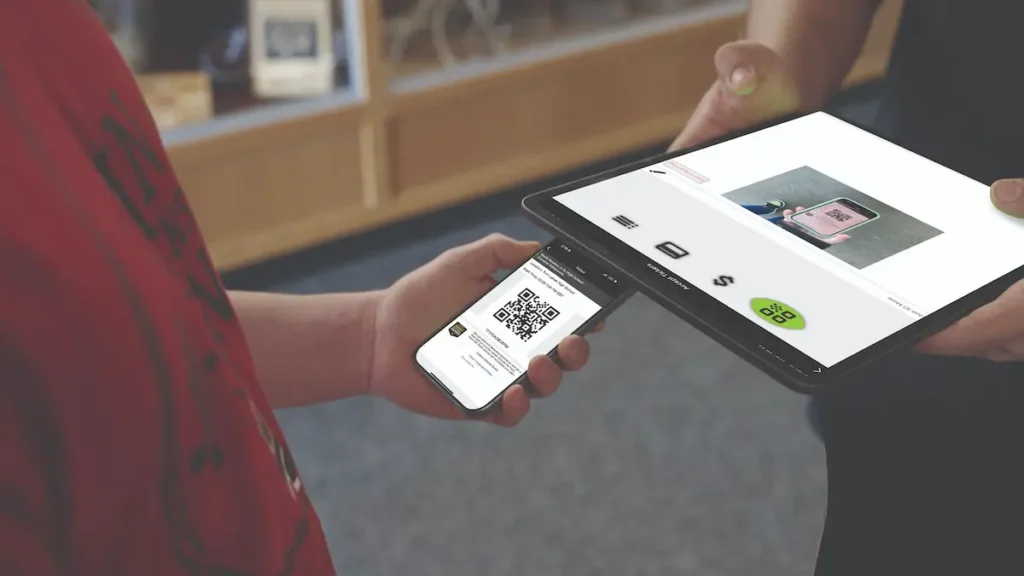
Encouraging fans to download the Eventlink® app can make it much easier to access tickets. Tickets and passes purchased through Eventlink® can be stored inside the app, giving fans one convenient place to find what they need when they arrive at the gate. Instead of searching through an inbox, they can open the app, pull up their ticket, and have it ready to scan.
Remind fans before they arrive
Do not wait until fans are standing at the gate to tell them about the app. Include a reminder in your ticket promotions leading up to the event.
You could say:
Already have your ticket? Download the Eventlink® app and have it ready to scan when you arrive.
That gives your community time to download the app, create or sign into their account, and find their tickets before game day. It can also be helpful to share instructions for creating an Eventlink® account or downloading the app throughout the season. You can find these helpful PDFs in the Help Center on your Eventlink® Staff account!
4. Give your game day staff a plan
Technology can help speed up entry, but your staff still plays a big role in keeping everything moving. Before the gates open, make sure everyone knows their assignment and who to call or what to do in the event of a ticketing or credit card reader issue.
When everyone understands their role, there is less confusion once the crowd arrives. Consider doing a quick check before the event begins. Make sure iPads and card readers are charged and ready, staff members are logged in, signs are in place, and everyone knows where each line should form.
Those few minutes of preparation can help prevent small problems from becoming bigger ones during the busiest part of the night.
A faster gate means a better game day
Long lines can create frustration before fans even make it inside the stadium or gym. With a little preparation and by using athletic events management software like Eventlink®, your athletic department can create a much smoother experience.
Start promoting tickets before game day to encourage more fans to purchase in advance. Share your ticket link through Eventlink® Messaging, post QR codes around your school and community, and create social media graphics with Eventlink® Studio to spread the word.
When fans arrive, create separate lines for those with pre-purchased tickets and those who still need to buy. Encourage your community to download the Eventlink® app so their tickets and passes are easy to access.
These may seem like small adjustments, but together they can make a big difference when the crowd starts arriving. Less time waiting in line means more time in the stands, more time supporting your athletes, and a better game day experience for your entire community.